


Case Study
Bridgestone Australia
How Bridgestone Australia moved from manual Segregation of Duties checks to automated SAP access risk management with Soterion.
The Bridgestone Story
Bridgestone Australia is one of the most well-known tyre manufacturers in the country, and dealing with risk is a daily reality. Part of its brand promise is reducing risk for customers, who trust Bridgestone to manufacture high-quality tyres that keep their families safe on the road.
Bridgestone Australia has used SAP since 1998, and over the years the number of SAP users has grown significantly.


High Growth and a Legacy ERP Set-Up No Longer Sustainable
In 2008 Bridgestone had a small number of SAP users, as the company ran two systems — SAP and iSeries. With so few users, managing Segregation of Duties (SoD) was relatively simple.
The turning point came in 2013/14, when all Bridgestone users were migrated to SAP and many new processes were introduced. With a growing team, maintaining access controls in SAP became time-consuming, inefficient and costly. Given the number of users and the complexity of the process, the team knew it had to move from manual processes to automation.
The Search for a Custom Solution
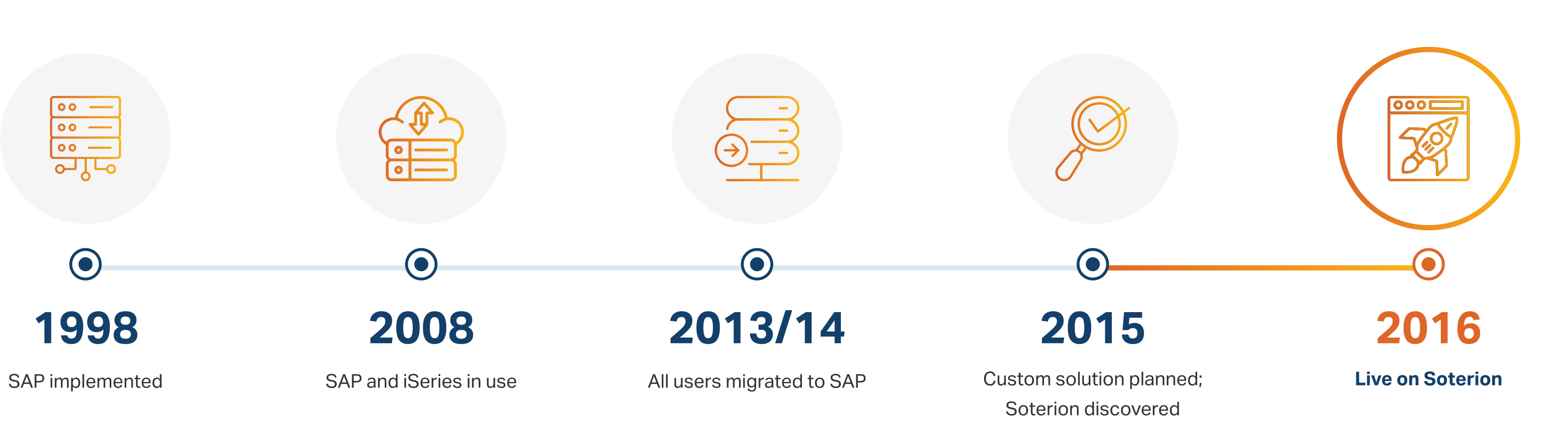
Having investigated several options, Bridgestone initially decided that a custom-built program was the way forward. Jess Barnes, Senior Business Analyst in the SAP team, planned to write the IT specifications during the first quarter of 2015. At the Mastering SAP Conference Australia, Jess came across Soterion and found a solution that could do everything she needed, presented the data clearly and met budgetary requirements. After three days of training, Soterion worked with Bridgestone's infrastructure team to connect a Soterion server to the SAP server. Following a proof of concept, Bridgestone Australia started using Soterion in 2016.
Why Bridgestone Chose Soterion

Soterion could do everything a custom-built program would have done, without the cost and effort of development.

The solution met Bridgestone's budgetary requirements.

Risk data is presented clearly, so the team can share the stats with the risk committee and executive team.

Three days of training and a proof of concept were all it took to connect Soterion to SAP and get started.
“The tool is very useful to us because it gives us a clear picture and transparency of our financial risk in the business and the team is able to present the stats to the risk committee and executive team providing peace of mind to all.”
Jess Barnes, Senior Business Analyst at Bridgestone Australia
Key Lessons from Bridgestone's Implementation
- Once a mitigating control has been decided on, review it regularly. Bridgestone Australia does this yearly to ensure its mitigating controls are still relevant.
- When setting up roles, ensure there are no conflicts in the same role. Revoking a role is difficult once it has been set, especially with a large number of users — so set it up correctly from the start.
- There is no need to develop a custom solution. Soterion's GRC software can do everything and more, and brings expert knowledge built up over years.

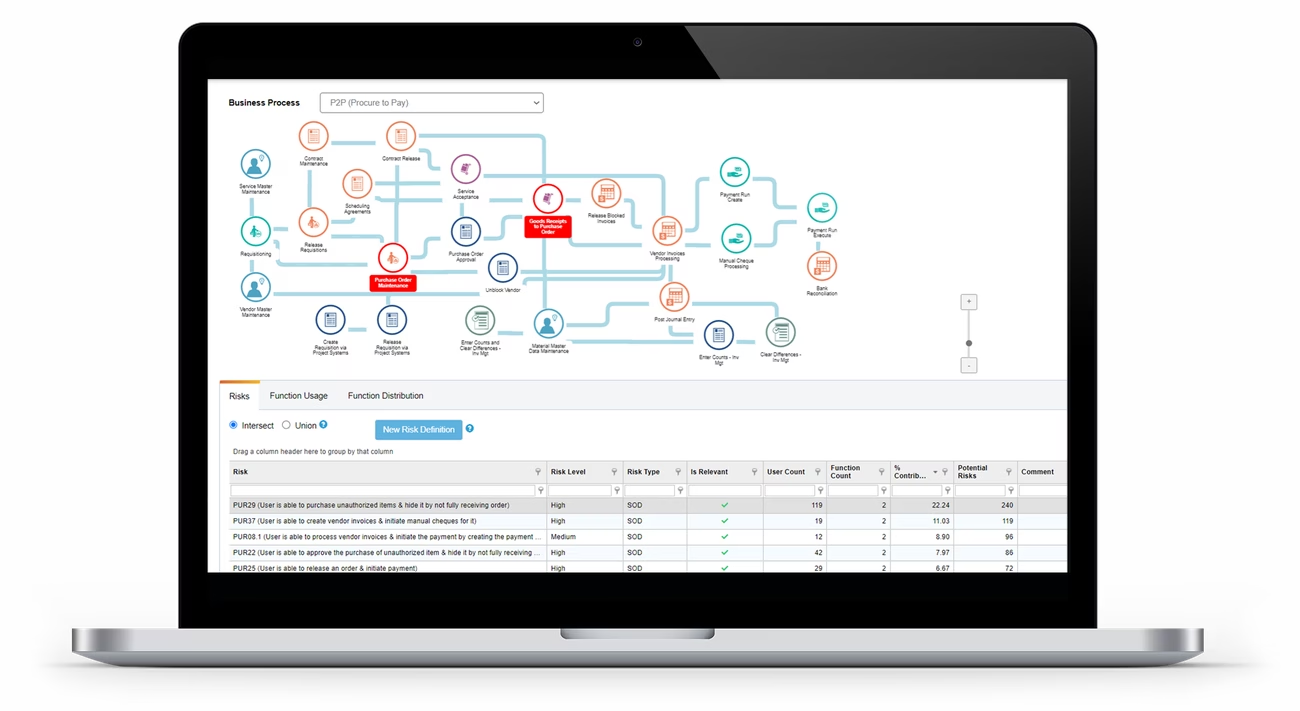
Bridgestone reviewed the risk level and relevancy of Soterion's standard rule set and created its own Bridgestone rule set, adding its own transactions. Where risks marked 'high' were seen as 'medium', a relevancy checkbox let the team keep oversight of every risk, regardless of level.
The team reviewed every risk across all users and defined a mitigating control for each — one that both the business and auditors agreed on. Role and user simulation are used daily, so every new role is checked for SoD conflicts and mitigated before audit.
Ready to take control of your SAP access risk?
Talk to a Soterion solutions expert.